
If you see the message "That password reset link is invalid," the link may have expired or already been used. Request a new reset link and try again.
Sign in and recover your account
If you can't access your Eventually account, start here: signing in, resetting your password, and accepting an invitation to join a team.
Sign in to your account
Go to app.eventuallyticketing.com/signin and enter your email address and password. If you don't remember your password, continue to the next section.
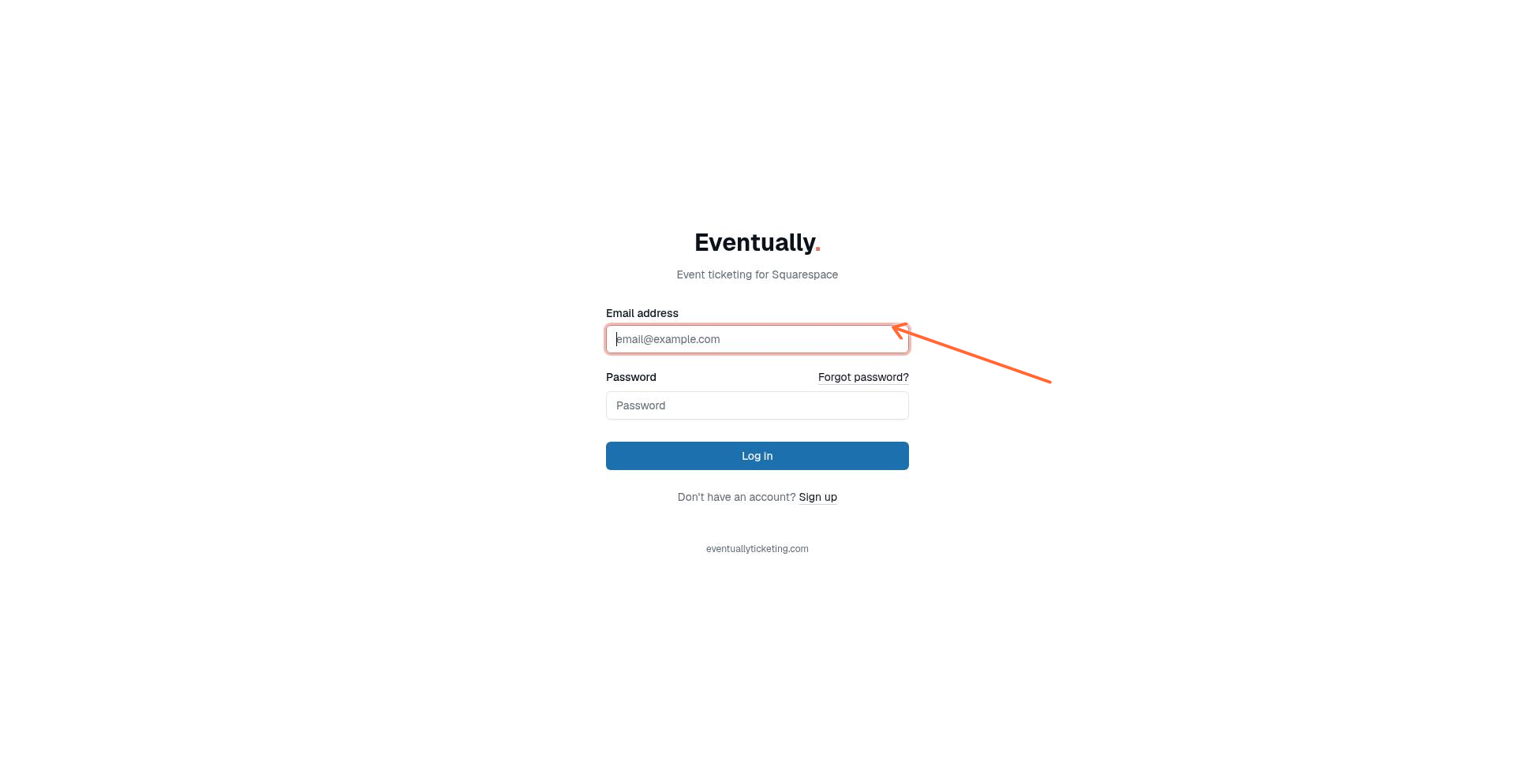
The Eventually sign-in page. Click Forgot password? if you need to reset your credentials.
Repeated wrong passwords pause sign-in for that email address. After three wrong passwords within ten minutes, we ask you to complete a quick verification check with each attempt, and if wrong passwords keep coming, you see a "Too many attempts" message. Completing a password reset clears the pause, so you can reset your password and sign in right away with your new password, or wait a few minutes and try again.
Reset your password
Go to the Forgot password page at app.eventuallyticketing.com/identity/password_reset/new.
Enter your email address and click Email password reset link.
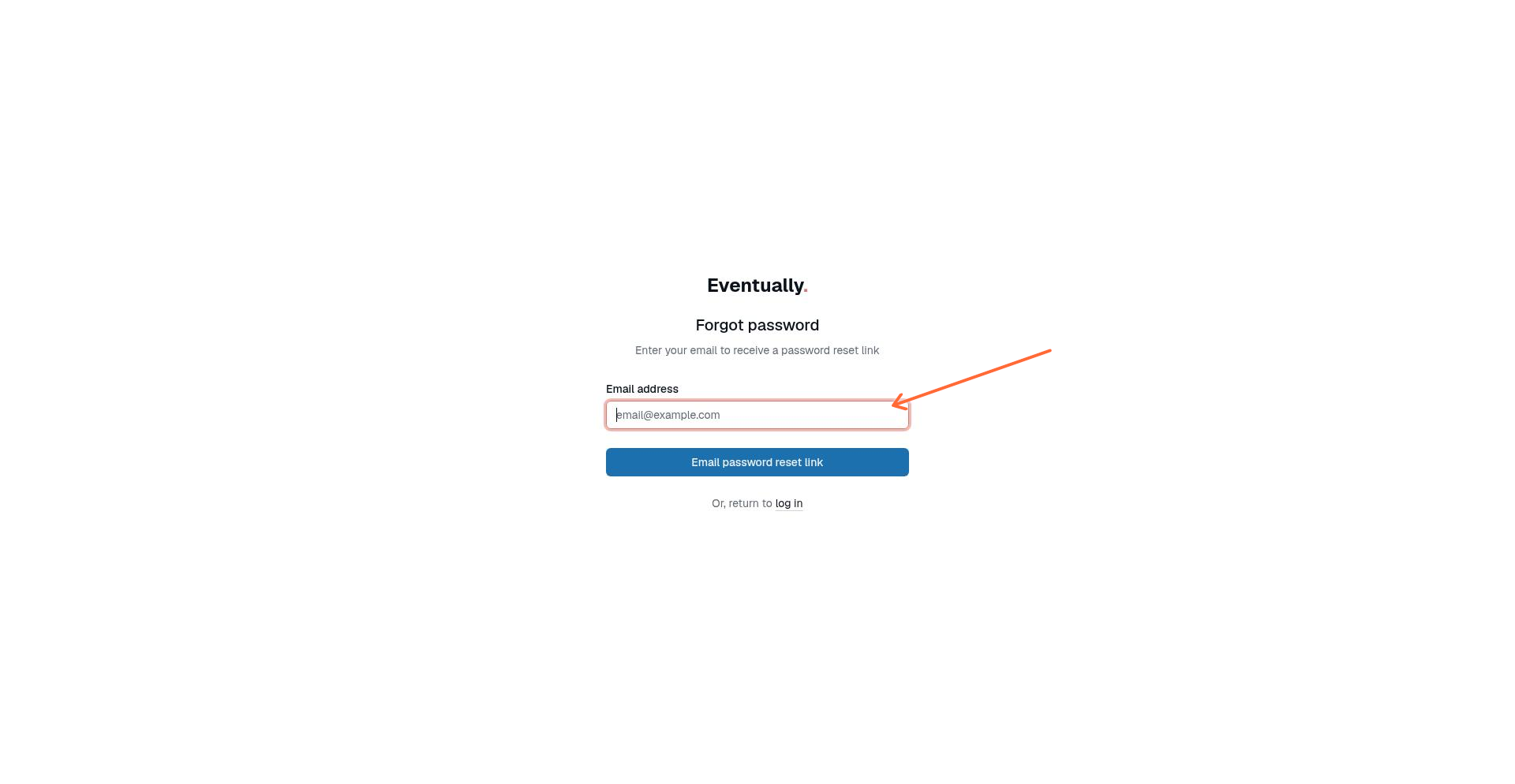
Enter the email address associated with your Eventually account.
We send you back to the sign-in page with: "If that email address has an account, we've sent reset instructions to it." The same message appears whether the address is verified, unverified, or not on an account.
Check your inbox for the Reset your password email. It is sent whether or not the address is verified. Click Reset my password. The link expires in 20 minutes.
On the Reset password page, enter your new password, confirm it, and click Reset password. Completing the reset signs you out of your other sessions, and verifies your address if it was never verified.
After resetting, sign in with your new password. Resetting your password also disconnects any AI assistant connections and Squarespace panel sessions on the account, so reconnect them after you sign in.
Completing a password reset also verifies an address that was never verified. See Verifying your email address.
Common password reset issues
The reset link says it's invalid
I never received the reset email
The confirmation message does not confirm whether an account exists for that address. Check your spam or promotions folder for the Reset your password email. Make sure you entered the email address associated with your Eventually account. If nothing arrives and problems persist, contact support.
Accept an invitation to join a team
When someone invites you to their Eventually team, you'll receive an email with a link to accept. Depending on your account status, the flow works slightly differently.
New to Eventually
If you don't have an Eventually account yet, click Accept Invitation in your email. You'll be guided through creating your account and joining the team.
Already have an Eventually account
If the invitation email matches your existing Eventually account:
Click Accept Invitation in the email.
Sign in if prompted.
Review the team name on the "Join [Team Name]" page and click Accept invitation.
You'll be added to the team immediately.
Ownership transfer invitations
If someone is transferring team ownership to you, the invitation page will say Take ownership of [Team Name] instead of "Join." After clicking Accept ownership, you'll choose a plan and set up billing for the team. See Understanding your plan and feature access to learn about plan tiers and features.
A regular team invitation can be accepted with the account you're already signed in to, even if that email is different from the one invited. Only ownership-transfer invitations require signing in with the invited email before you accept.
Common invitation issues
The invitation link says it's invalid
This means the link is no longer valid. Ask the team owner to send you a new invitation.
The invitation has expired
Invitation links expire after 7 days. Ask the person who invited you to click Resend, which sends a fresh link. Ownership-transfer invitations can't be resent: the owner cancels the handoff and starts a new one.
I'm signed in with the wrong account
A regular invitation page names the account you're signed in with before you accept. If you meant to use a different one, click Sign in as a different user. For an ownership transfer, you see: "This ownership transfer was sent to [email]. Sign in as [email] to accept it." Sign out of Eventually, then click the invitation link again and sign in with the correct email address.
It asks me to verify my email first
While you're signed in with an unverified email address, you can't accept or decline invitations. Open the Verify your email message we sent when you created your account, or click Resend verification email on the invitations page. See Verifying your email address.
Still can't access your account?
If you've tried these steps and still can't sign in or accept an invitation, contact support with:
The email address associated with your account
A description of what you've already tried
The team name you're trying to join (if applicable)
Was this helpful?
Was this helpful?