Squarespace Event Calendar Widget: Your Options Compared
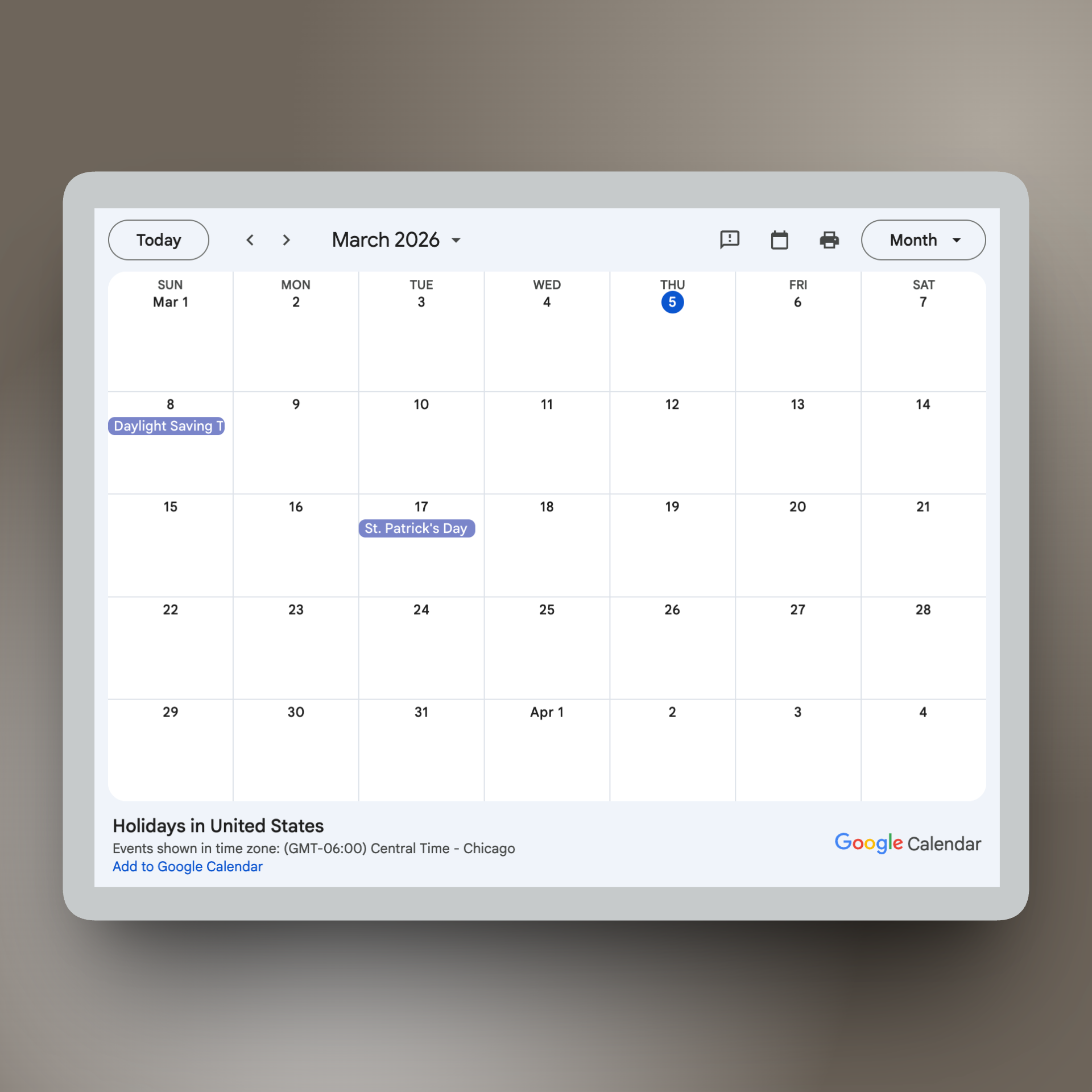
The direct answer: Squarespace’s built-in calendar is limited—it doesn’t support recurring events, offers minimal display customization, and only shows 30 past events. Most Squarespace users looking for a better event calendar end up choosing between embedding Google Calendar (free but design-breaking), third-party calendar widgets like Tockify or Event Calendar App (better-looking but still external), or Eventually (a Squarespace Commerce extension with a calendar widget built in).
Each option has real tradeoffs. Here’s an honest breakdown.
The conversation we keep having
Just yesterday, a community organization came to Week of the Website about their church site. The request was straightforward: they needed a calendar showing their weekly groups—Bible study on Tuesdays, youth group on Wednesdays, community dinner on Fridays. Recurring events on a clean calendar. That’s it.
They didn’t need registration. They didn’t need ticketing. They just needed their congregation to see what was happening and when.
We had to tell them there wasn’t a good way to do that. Not natively. Squarespace’s built-in event calendar doesn’t support recurring events, so every weekly group would need to be manually duplicated—title, description, time, image—over and over, every single week. And when they asked about Google Calendar, we had to be honest: it would work, technically. But it would break the design of the site we’d worked so hard to build together.
We’ve had this conversation hundreds of times across 1,000+ Squarespace sites. A client needs an event calendar. The built-in options fall short. The external options look wrong. And we’re left explaining tradeoffs that shouldn’t exist.
Why Squarespace’s built-in calendar falls short
You’re not missing something obvious. Squarespace’s event calendar has real architectural limitations that affect how you display events on your site.
The Events Collection in Squarespace is the built-in way to display events. It gives you a basic calendar or list view. But “basic” is doing a lot of heavy lifting. Here’s what you’re working with:
No recurring event support. Every weekly, monthly, or repeating event must be created individually. For a yoga studio running five classes a week, that’s 260 manual entries per year.
Only 30 past events visible. If you run events regularly, your history disappears. There’s no archive, no scrollback, no way for visitors to browse what happened last quarter.
Minimal display customization. You get a calendar grid or a list. You can’t switch between month, week, and list views. You can’t filter by category. You can’t change how event cards look.
No embeddable widget. The calendar lives on its own page. You can’t drop a compact calendar module onto your homepage or sidebar.
No connection to Commerce. The Events Collection is separate from Squarespace’s Commerce features. If you want to sell tickets, you need to create separate products and link to them manually.
Squarespace has acknowledged this. In internal strategy discussions, they’ve noted that the legacy Event Collection isn’t meeting user needs and they’re looking to consolidate into a more full-featured approach. But that hasn’t shipped yet.
What this actually costs you
An underwhelming event calendar isn’t just an aesthetic problem. It has real costs:
Time. Manually creating recurring events takes hours per month. One bar owner in the Squarespace Forum described managing weekly events as “absolutely maddening.” Multiply that across a full year of programming and you’re spending days on data entry that should be automated.
Brand integrity. You invested in a Squarespace site because design matters to your organization. Embedding an external calendar that doesn’t match your fonts, colors, or layout undermines that investment every time someone visits your events page.
Discoverability. If your calendar is hard to browse, people don’t find your events. A church member looking for next Tuesday’s group shouldn’t have to scroll through a flat list or click into individual event pages. A clean, filterable calendar view is how people actually look for what’s happening.
Attendance. Every friction point between “I wonder what’s happening” and “I’m going to that” costs you attendees. A calendar that’s hard to navigate or ugly enough to feel untrustworthy quietly reduces turnout.
Your calendar widget options, honestly compared
Here’s every real option for displaying an event calendar on a Squarespace site. We’ve recommended, implemented, or troubleshot all of these across ten years of building Squarespace sites. No option is perfect—here’s what each one actually looks like in practice.
Option 1: Squarespace’s Built-In Events Collection
Squarespace’s native Events Collection gives you a calendar page or list view of events you create within the CMS.
What works: It’s free, it’s built in, and it matches your site’s design automatically. No code to embed, no third-party account to manage. For organizations running a handful of one-off events per year, it’s adequate.
What breaks: No recurring events. No embeddable widget for other pages. Only 30 past events visible. Limited display options—no card view, no category filtering, no view toggle. No connection to Commerce for ticket sales. If you run regular programming, you’ll outgrow it fast.
Best for: Organizations running fewer than 5 unique, non-recurring events per month who don’t need ticket sales.
Option 2: Google Calendar Embed
You can embed a Google Calendar using an iframe in a Squarespace Code Block. It’s free and supports recurring events natively.
What works: Free. Supports recurring events out of the box. Your team can manage events from Google Calendar, which many organizations already use for internal scheduling. Updates automatically.
What breaks: It looks like Google Calendar dropped onto your site—because it is. You can’t customize fonts, colors, or layout to match your Squarespace design. The iframe is not responsive on all screen sizes. It creates a jarring visual disconnect that makes your site feel cobbled together. There’s no event detail modal—clicking an event opens Google Calendar in a new tab. And there’s no path to ticket sales or registration from the embedded view.
Best for: Organizations where function matters more than design, and where the calendar is an internal coordination tool rather than a public-facing feature. If your site is a brochure and the calendar is utilitarian, this works. If your site IS the experience, Google Calendar will undermine it.
Option 3: Tockify
Tockify is a third-party calendar widget that can be embedded on any website, including Squarespace. It offers more display options than the native calendar and supports syncing from external calendar sources.
What works: Multiple view types (agenda, monthly, pinboard). Some style customization for colors and fonts. Can pull events from Google Calendar, iCal feeds, and other sources. Has a free tier for basic use.
What breaks: It’s still an external embed—styling never fully matches your site’s design system. Loading speed can be inconsistent since it’s pulling from Tockify’s servers. Paid plans are required for removing Tockify branding and accessing more features. No integration with Squarespace Commerce—there’s no ticket sales or registration path. If you need to sell anything, Tockify is display-only.
Best for: Organizations that need a visual upgrade from Google Calendar and are okay with an external system that’s display-only.
Option 4: Event Calendar App
Event Calendar App is a dedicated event management platform with a Squarespace-focused embed. It offers event creation, recurring events, and an embeddable calendar widget with ticketing capabilities.
What works: Recurring event support. Multiple calendar views. Built-in ticketing and registration. Category filtering. Purpose-built for the event calendar problem—this is what they do. They’ve documented real conversion rate improvements for users who switched from Eventbrite embeds.
What breaks: It’s a separate system. Events don’t live in your Squarespace catalog—they live in Event Calendar App’s dashboard. Checkout happens through their system, not Squarespace Commerce. Pricing starts at $39/month. While it’s more polished than Google Calendar, it’s still visually distinct from your Squarespace site’s native components. Payments don’t flow through Squarespace Payments.
Best for: Organizations that need a full event management system with its own ticketing and are comfortable managing events outside of Squarespace.
Option 5: Other Third-Party Widgets (StyledCalendar, Elfsight, etc.)
Several other embeddable calendar widgets exist, ranging from simple display tools to more full-featured event platforms. StyledCalendar and Elfsight are among the most commonly recommended in Squarespace communities.
What works: Some offer decent style customization. Elfsight has a drag-and-drop builder. StyledCalendar offers clean visual design. Most have free tiers or trials. Easy to embed via code block.
What breaks: Same fundamental limitation: they’re external embeds. Styling is “close but not quite” to your site’s design system. No Squarespace Commerce integration. Limited or no ticketing functionality. You’re adding another tool to your stack for display purposes only. Some load slowly or have reliability issues depending on their infrastructure.
Best for: Quick visual upgrades when design fidelity isn’t critical and you don’t need commerce functionality.
What a good Squarespace event calendar actually requires
Before looking at any specific tool, it helps to name what you’re actually looking for. A calendar widget that truly works for Squarespace should have:
Multiple view options — month, list, and card views so visitors can browse however makes sense for your programming
Style isolation — the widget shouldn’t inherit or break your site’s CSS, and it should be customizable enough to match your design system
Recurring event support — set it once for weekly groups, monthly gatherings, or any pattern, and let the calendar auto-populate
Category filtering — visitors should be able to filter by event type, especially if you run diverse programming
Event detail modals — click an event to see details without leaving the page, not a redirect to another site
Commerce connection — if you sell tickets, the calendar should connect to your checkout, not just display information
Automatic updates — create an event once, and it appears on the calendar without manual widget management
Mobile responsiveness — the calendar must work well on phones, where most of your visitors are browsing
No external embed checks all of these boxes while staying inside the Squarespace design and commerce system. That’s the fundamental gap.
Eventually: a calendar widget built into Squarespace Commerce
This is why we built Eventually.
Eventually is a Squarespace extension that adds event ticketing and management to Squarespace Commerce—and one of its core features is an embeddable calendar widget designed specifically for Squarespace sites. Events are created as Squarespace service products. Tickets sell through your existing Squarespace checkout. Payments process through Squarespace Payments. The calendar widget displays your events in month, list, or card views using Shadow DOM style isolation, which means it won’t interfere with your site’s CSS and your site’s CSS won’t interfere with it.
The widget includes customizable accent colors, category filtering, event detail modals with direct checkout links, and automatic updates when you create or modify events. Recurring events use RRULE patterns—set a weekly Bible study or monthly community dinner once, and the calendar auto-generates every instance. No manual duplication. No “copy, rename, change the date” workflow.
For organizations that don’t need ticketing, Eventually’s free tier includes the calendar widget and free event registration—so that church calendar with weekly groups is a real, supported use case, not an afterthought.
Eventually is currently in pre-launch. You can join the waitlist and get early access at eventuallyticketing.com.
What to do right now
Your next step depends on what you’re working with today:
If you run fewer than 5 non-recurring events per year: Squarespace’s built-in Events Collection is probably fine. Don’t overcomplicate it. Add events as they come and use the native calendar page.
If you need recurring events displayed and don’t care about perfect design: Google Calendar embed is free and functional. Accept the visual tradeoff and move on. Your time is worth more than fighting CSS on an iframe.
If you need a better-looking calendar and don’t need ticket sales: Tockify or StyledCalendar can give you a visual upgrade at a low cost. They won’t match your site perfectly, but they’re a meaningful step up from Google Calendar.
If you need a calendar connected to ticket sales and registration: Event Calendar App is the most established option right now, with the caveat that checkout happens outside Squarespace Commerce. Eventually will offer this with native Commerce integration—join the waitlist if that’s what you’re looking for.
If you’re an agency recommending calendar options to clients: Be honest about the tradeoffs of each option. Don’t oversell what the native calendar can do, and don’t pretend external embeds will match the design system you built. Recommend the right tool for the client’s actual needs and event volume.
The bottom line
An event calendar sounds like a simple feature. Display events. Show dates. Let people browse. But on Squarespace, it’s been anything but simple—because the built-in option is too limited and every external option requires compromising design, commerce integration, or both.
The reason we built an event calendar widget into Eventually wasn’t because the world needed another calendar tool. It’s because Squarespace users—nonprofits, community organizations, workshop leaders, agencies—deserve an event calendar that works the way Squarespace works. One that matches their design, connects to their commerce, and doesn’t ask them to compromise on the experience they’ve built.
That church with weekly groups? They should be able to set up their calendar in ten minutes and never think about it again. That’s what we’re building.
Keep reading:
→ How to Sell Event Tickets on Squarespace [internal link]
→ Squarespace Recurring Events: Why It’s Hard and What to Do About It [internal link]
Event ticketing and calendars built for Squarespace Commerce.
Join the waitlist for early access and founder pricing at eventuallyticketing.com.